 Visual & media
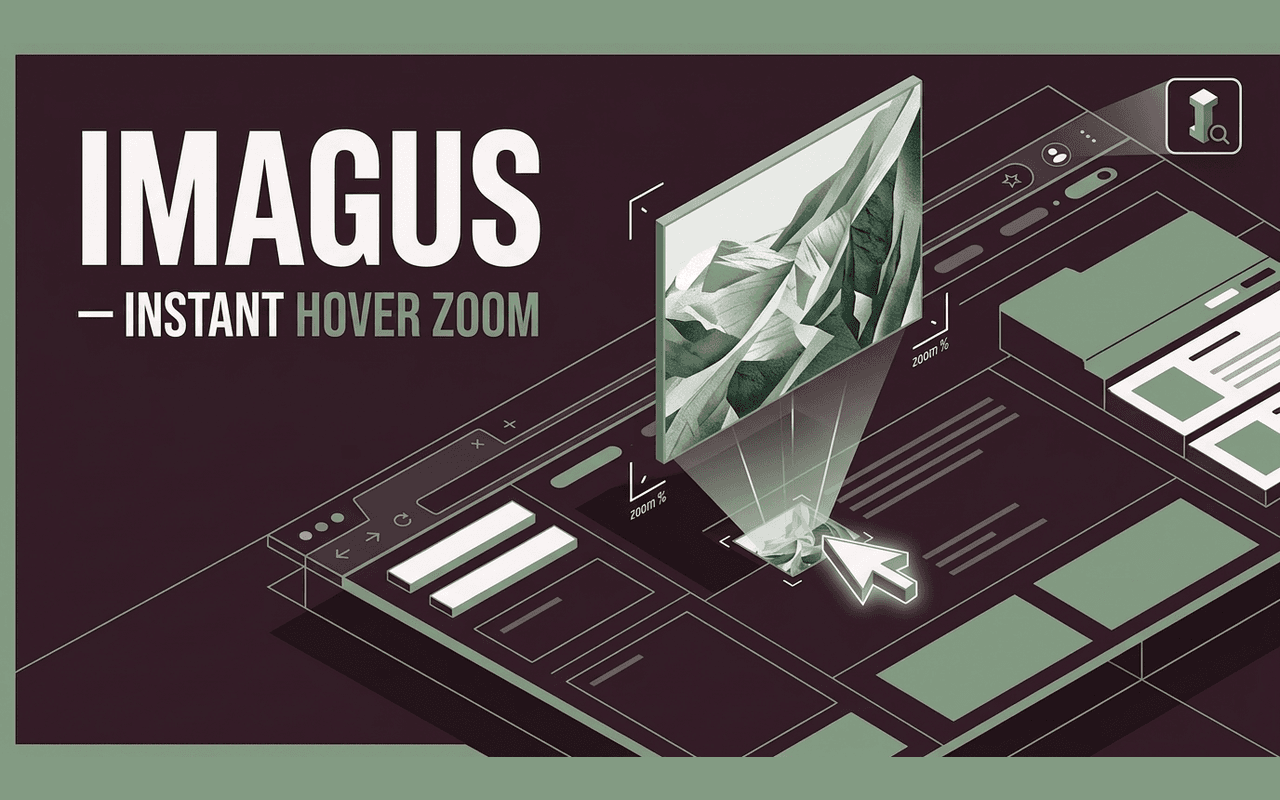
Imagus
A closer look, without the click.
Enlarge thumbnails, preview full-size images, and explore galleries just by hovering. Your next closer look is a mouseover away.
Small, thoughtful extensions for the things you do every day. Explore, create, and work your way.

Seven tools. Each with a clear purpose.
Pick the ones that fit your day.
Visual & mediaA closer look, without the click.
Enlarge thumbnails, preview full-size images, and explore galleries just by hovering. Your next closer look is a mouseover away.
 Productivity
Press play on your own terms.
Keep unexpected video and audio from interrupting your browsing. Choose your playback preferences for each website.
 Productivity
Many links. One simple gesture.
Draw a selection around links, then open, copy, or bookmark them together. Turn repetitive clicks into one fluid action.
 Visual & media
Keep the whole collection.
Gather images from albums and galleries, review your selection, and download the photos you want in a batch.
 Developer tools
Make complex data feel clear.
Turn raw JSON into a readable, highlighted tree. Fold, search, and copy the data you need without losing your place.
 Visual & media
Save the sound of your tab.
Record the audio playing in your current tab and save it to your device. Start and stop the recording when you choose.
 Productivity
Your words, free to move.
Restore text selection and familiar clipboard actions in web office editors and pages that restrict copying and pasting.
The collection is getting ready for the Chrome Web Store. Explore each tool and its privacy policy while we prepare for launch.
A repetitive task, a missing feature, a better way to work. Let’s turn it into a focused Chrome extension for you or your team.
Get a quoteSettings and extension data stay in your browser or on your device. No advertising trackers or extension analytics. Clear permissions, explained in plain language.
Read our privacy policies