
Chrome · Linkclump
How to open or copy multiple links in Chrome with Linkclump
Use Linkclump to drag-select links, open them in background tabs, copy Markdown links, and configure bulk-link actions in Chrome.

Draw a selection around links, then open, copy, or bookmark them together. Turn repetitive clicks into one fluid action.
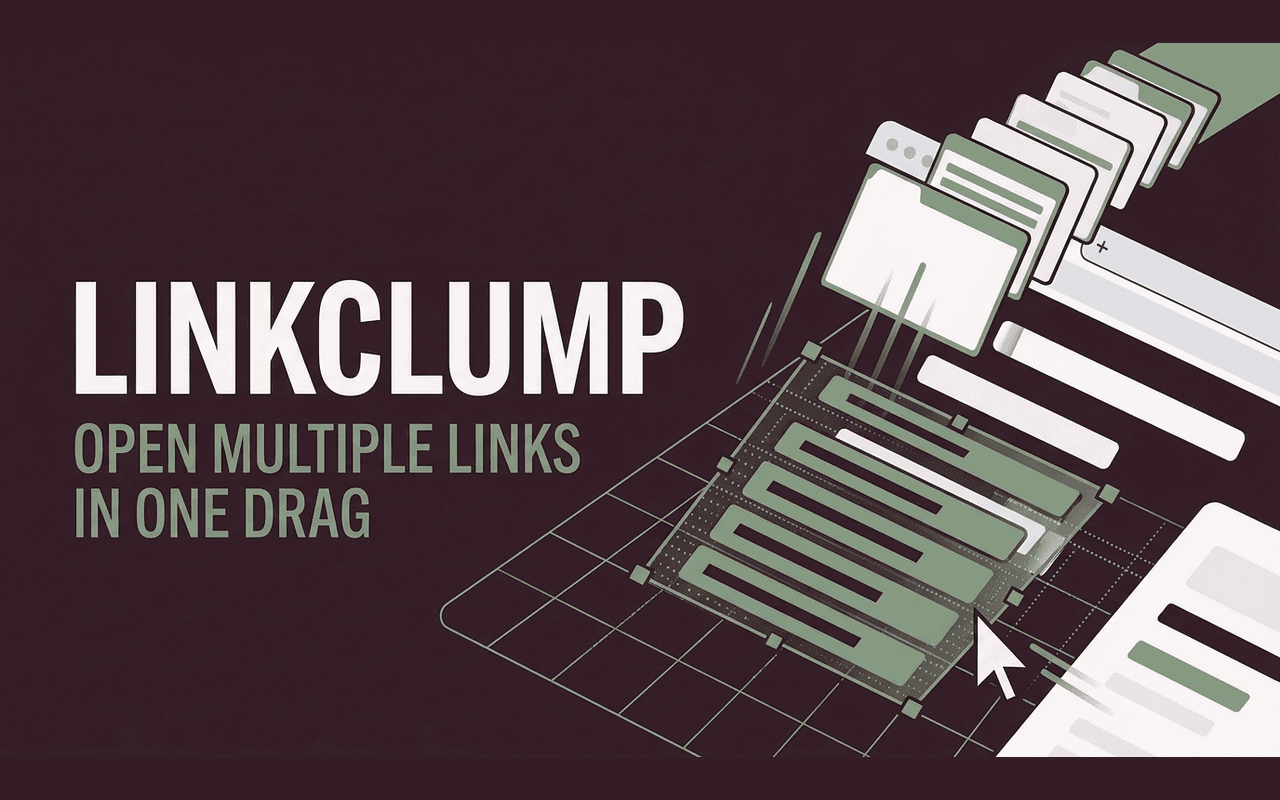
Use Linkclump to drag-select links, open them in background tabs, copy Markdown links, and configure bulk-link actions in Chrome.
See this tool’s individual privacy policy for local storage, permissions, data handling, and your choices.


