How to write blog posts that sound like a person wrote them
Readers can smell filler from a mile away. These are the editing habits we use on every post, including the ones you're reading now.

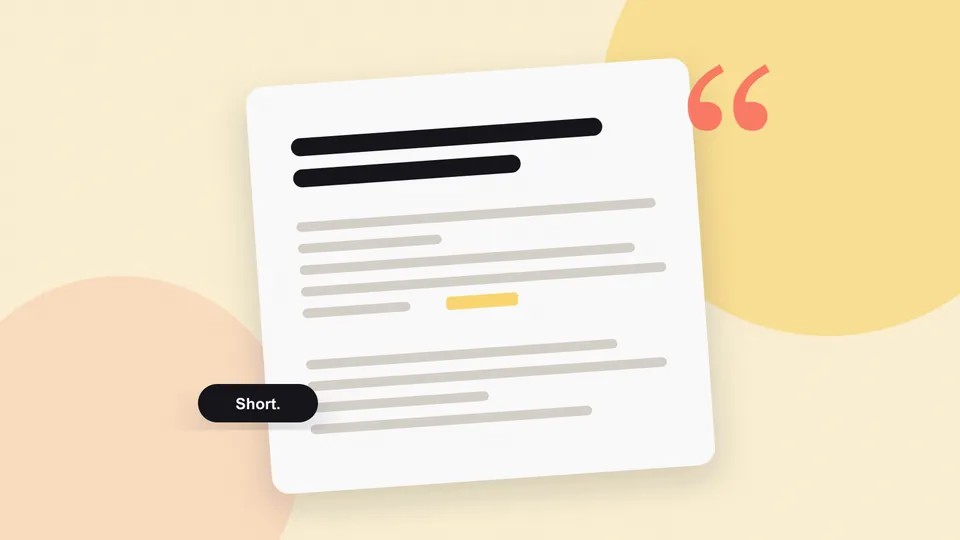
You've read them. Posts that say a lot and mean very little. Every paragraph is the same length. Every sentence has the same rhythm. By the third heading your eyes are sliding down the page looking for something, anything, to hold on to.
Nobody sets out to write like that. It happens when we write to fill space instead of to tell someone something. The good news is that it's an editing problem, and editing can be learned.
These are the habits we use on this blog. We ask guest authors to use them too.
Write to one person
Pick a real reader. A friend who runs a small shop. A colleague who just took over the company website. Now write as if you're explaining it to them over coffee.
You'll notice things change. You stop saying users and start saying you. You skip the throat clearing. You answer the question they would actually ask.
Mix up your sentences
This is the single biggest difference between writing that breathes and writing that drones. Long sentences carry detail and build an idea step by step, giving the reader context before the point lands. Short ones hit. Use both.
Read a paragraph out loud. If every sentence takes the same breath, break one in half. Or join two together. Your ear will tell you when it's right.
| Flat | Alive |
|---|---|
| It is important to back up your website regularly. Backups can help you recover from problems. Many hosting companies offer backup tools. | Back up your site. Weekly, at least. The day a plugin update breaks everything is not the day you want to learn your host only keeps three days of copies. |
| There are many benefits to using keyboard shortcuts in your daily workflow. | Learn four shortcuts and you'll stop reaching for the mouse forty times an hour. |
Cut the phrases that say nothing
Some phrases feel like writing but carry no information. They pad a sentence and push the point further away. We hunt for these in every draft.
- It's important to note that. Then just say the thing.
- In today's fast-paced digital world. Every era thinks it's fast. Delete.
- When it comes to. Usually you can start with the noun instead.
- A wide range of. Name two of them. Specifics beat ranges.
- Very, really, quite, extremely. Find a stronger word or cut it.
Show the thing
Abstract advice slides off people. Examples stick. Instead of make your headlines compelling, show a weak headline next to a better one. Instead of the setting is easy to find, tell them it's under Settings → Reading.
Numbers help, when they're real. Screenshots help. A short story about the time you got it wrong helps most of all. Readers trust a writer who admits a mistake.
If you can't give an example, you probably don't understand the point well enough yet.
Format for scanners, write for readers
Most people scan first and read second. Headings, short lists and the occasional table let them find the part they came for. But formatting can't rescue empty writing. A bulleted list of vague ideas is still vague.
- Make each heading say something. Cut the phrases that say nothing beats Tip 3.
- Keep paragraphs short on screen. Two to four sentences is plenty.
- Use a list when the items really are parallel. Otherwise, write a paragraph.
- Put the answer early. Don't make people dig for it.
About AI tools
We get asked about this a lot. AI tools can be handy for research, for an outline, or for spotting a typo. What they're bad at is sounding like you. Drafts written mostly by AI tend to share the same tics: tidy sentences of equal length, big words in place of plain ones, and confident claims with nothing behind them.
Our rule for guest posts is simple. The ideas, the examples and the voice need to be yours. If you've used a tool along the way, that's fine. The person whose name is on the post should be able to defend every sentence in it.
A checklist before you hit publish
If you've got a topic you know inside out and you'd like to put these habits to work, we'd love to read your pitch.
Written by
Founder, Modulus Tools
Usama builds easy to use AI tools, Chrome extensions and WordPress plugins at Modulus Tools, and writes about what he learns shipping them: browser privacy, WordPress SEO and the small habits that make work easier.